
What to do in the match
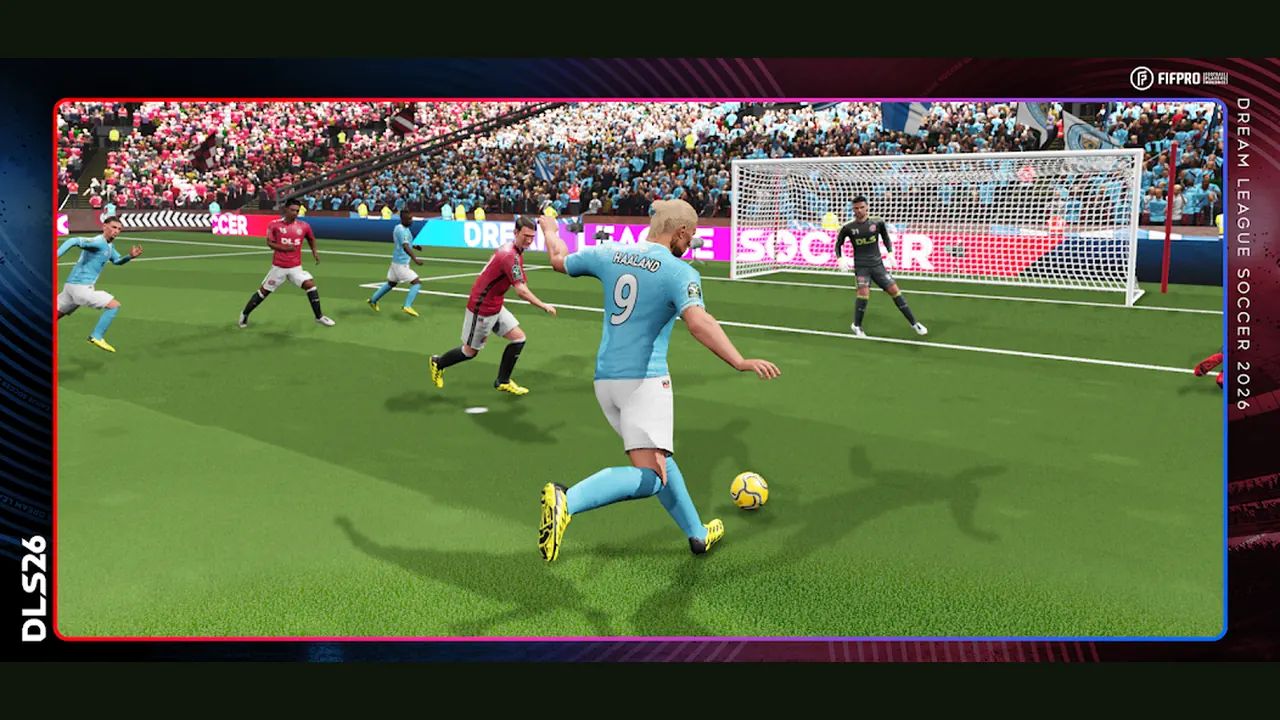
Open the app you already have. The icon says Dream League Soccer 2026. This page is the match, not the store listing. Do the settings once. Then run the same five touches until they are boring.
Settings before you queue
A settings video posted 4 November 2026 walks the menus. It is a player video, not a studio patch note. Link: Best settings in DLS 26.
| Setting | What to pick | Why it changes the match |
|---|---|---|
| Frame rate | 60 if the phone holds it | Dribbling and the pass animation stop stuttering |
| Graphics | Medium, or Low if it heats up | A hot phone drops frames in the box |
| Kick assist | Low if you want to aim. High if shots keep sailing | High pulls the shot toward the goal. Low leaves the miss on you |
| Cross assist | Off if you cross yourself. High if the winger keeps hitting the fullback | Same idea as kick assist, for the wide ball |
| Auto switch | High when you keep running the wrong defender. Low if center-backs get dragged out | High grabs the nearest man to the ball |
| Fixed virtual stick | Off | The stick appears where your left thumb lands, not in a dead corner |
| In-game tactics | On | You can flip attack and defend without leaving the match |
Change one row, play one match, then change the next. Do not flip all six and then blame the forwards.
Five touches that decide the half
These gestures are from a player skill tutorial, Every skills tutorial. Practice them in this order. Stop when the thumb does the right one without thinking.
| Moment | Do this | Miss looks like |
|---|---|---|
| They have the ball | Hold the empty screen and steer a second player across the pass | One defender jogging, because you tapped |
| You win it in space | Run, then tap empty grass ahead. That is knock ahead | The ball stays at your feet and the next man arrives |
| One defender in front | Swipe right, then left (stepover), or swipe down once (roulette) | You swiped up and the ball went over your own plan |
| You want the ball stuck to the foot | Hold empty grass. That is close control | The ball punches away because the finger bounced |
| The ball is in the air in the box | Double-tap | You double-tapped on the grass and nothing useful happened |
Knock ahead is the one that tutorial calls the most used. Learn it before rainbow. Rainbow is swipe up. Save it for a defender who is already tight. Do not open the match with it.
Secondary press and close control are both holds. The difference is who has the ball. They have it: hold, bring a second player, release when the challenge is on. You have it and want it close: hold empty grass. If you keep the first hold after you win the ball, you are calling a second man for a ball you already have.
A minute you can repeat
They break toward your box. You are on the wrong man. Hold. Steer the second player into the passing lane, not into a slide. Release when the two of you are in the challenge. A defending video from September 2026 makes the same point in different words: do not dive in while they still have a touch. Wait until the ball leaves their foot. Link: How to defend in DLS 26.
You win it. Run. Tap the grass in front. One touch. If a man steps across, stepover or roulette once, then go. If the ball pops up inside the box, double-tap. If it is still on the ground, pass or shoot with the normal kick. The double-tap is for the air.
Protecting a lead, slow the pass and keep the ball. Chasing one, play the one-touch. That split is from an attacking video posted 10 October 2026: How to play DLS 26 like a pro. It does not give a formation. Neither does the store. Do not wait for a shape name before you kick off.
What this page will not pretend
The store prints 4,000-plus licensed players and names Raphinha and Julián Alvarez. It does not print a best formation, a shot-power number, or a division name besides the climb to Legendary. Those stay off this page. The touches above are enough for the next match.
More of the same gestures, written as steps: touch controls, defending, a first match.