
Two ways to defend a ball
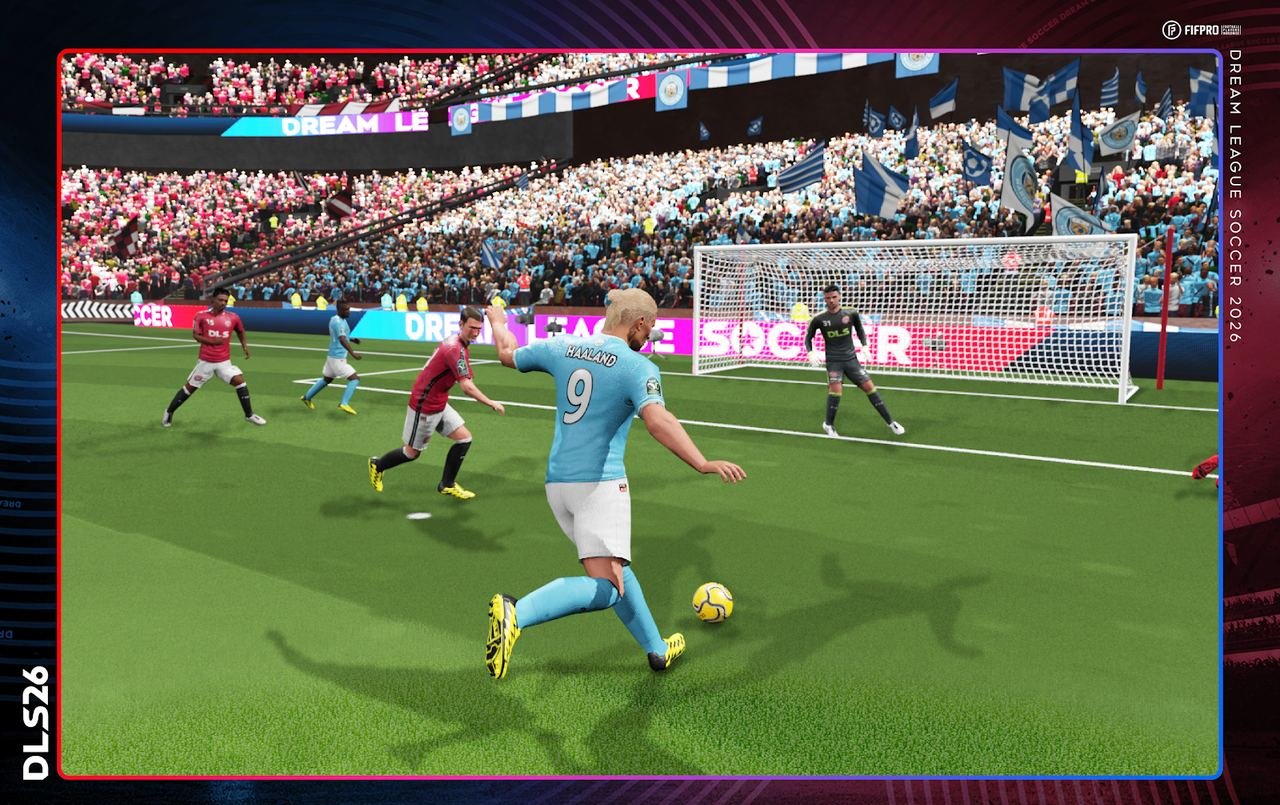
Attacking swipes get the clips. The same player tutorial also teaches two holds. I use both every match on the Dream League Soccer 2026 build, version 13.430. Secondary press is the hold you use when the opponent has the ball. Close control is the hold on empty space. Neither hold is a studio key sheet. The video is at https://www.youtube.com/watch?v=vtmkb_FiL3I . Learn the holds from that tutorial, then come back and run the reps below.
Secondary press when they have the ball
The condition is specific. The opponent has the ball. Hold the screen. Control another player. The tutorial's result is simple. You defend with two players together.
The hold is not a harder press on the man you already selected. It is a way to bring a second body while the first stays in the play. If you only drag the nearest player, you are not doing the move as taught. Hold. Then steer the other one.
I use it when a runner is going away from the player I had selected and a teammate is better placed. Hold the screen. Move the second player across the path. Do not expect the tutorial to have named a stamina cost. It did not. I will not invent one.
A miss looks like one defender jogging alone. You tapped instead of holding. You held, then let go before the second player moved. You held after you had already won the ball, so the condition was gone. Reset. Wait until they have it. Hold. Steer the second player. Release when the two of you are in the challenge together.
Keep the hold honest. You are not drawing a new button. The screen is the control, the same screen you tap for a knock ahead. The difference is time. A tap is knock ahead. A hold, while they have the ball, is secondary press. If your finger bounces, you will get the tap and wonder where the second defender went.
Close control is a hold on empty space
The tutorial's close control is also a hold. Hold the empty screen and control the player. Empty screen is the same place as the knock-ahead tap. The gesture is the opposite. Tap sends the ball into space while you run without it. Hold keeps the player under your finger.
I use the hold when I want the touch to stay with the player instead of popping forward. That is my practice, not an extra rule. The tutorial line is the hold itself. Hold the empty screen. Control the player. If the ball keeps punching away when you wanted it stuck close, you tapped. Hold.
Do not hold on top of the player model and call it the same thing. The wording is empty screen. Find grass that is not a body. Put your finger there. Keep it down. Steer. A short hold is enough to feel the difference from a tap.
Close control is not secondary press. Secondary press needs them to have the ball, and it brings a second player. Close control is you, on the empty screen, controlling the player you want. Mix them up and the half gets noisy. They have it: hold and bring a friend. You have it and want it close: hold empty space.
A defending minute that stays inside the tutorial
They break. You are on the wrong player. Hold the screen and steer the second one across. That is secondary press. Two defend together. If you win it, stop the hold that was for their possession. The condition ended.
The box is crowded and you want the ball to stay at a foot. Hold the empty screen. That is close control. If the ball pops into the air, leave it. The double-tap is an air shot, not a tackle. Do not spend a defending hold on a ball that is already up.
None of this needs a lineup shape, a role, or a rating. The store does not print one next to these holds. Raphinha and Julián Alvarez are the only names on the listing. The hold does not change if one of them is the player you steer.
Run the minute twice. First time, only secondary press. Let them have the ball. Hold. Bring the second player. Second time, only close control. Hold empty space whenever you have the ball and want it close. Then mix them in a third minute. If your finger starts swiping, you have left the drill. Swipes live on the knock-ahead page.
The two holds in one look
| Move | Touch | Condition from the tutorial |
|---|---|---|
| Secondary press | Hold the screen and control another player | The opponent has the ball. Two defend together. |
| Close control | Hold the empty screen and control the player | A hold, not the tap you use for knock ahead. |
| Not this drill | Tap empty space | Knock ahead. Your player runs without the ball. |
| Not this drill | Double-tap in the air | Skill shot. Leave it until the ball is up. |
The player tutorial is the source for both holds. If a clip shows a different finger pattern, it is a different lesson. Stay with the video above. Checked against that tutorial on 10 November 2026, on the store build 13.430.
Google Play last updated the listing on 14 September 2026. The App Store date on version 13.430 is 16 September 2026. If a hold does nothing, update inside the shop before you decide the gesture is gone. The App Store file is 269,641,728 bytes. Clear that room.
Where the holds sit next to the swipes
The tap and the right-left swipe are on knock ahead and the stepover. Use those when you are attacking. Switch to the holds the moment they have the ball, or the moment you want the ball kept close. The air double-tap is on skill shot. Do not treat it as a tackle.
A full first match that chains the holds with the swipes is on your first match. The wider touch layout is on touch controls. Learn the two holds until they are boring. Boring means you can do them when the other side is not waiting for you.