
A first match you can run
You have the app. The icon says Dream League Soccer 2026. You want one match that does not depend on a chart nobody published. This is that match. Every touch below comes from a player tutorial, not a studio key sheet. The video is at https://www.youtube.com/watch?v=vtmkb_FiL3I . There is no lineup shape here. There is no player role. There is no tactic rating.
Before the first kick
Update if Google Play or the App Store is offering one. The path is tap update on the app you already have. Version on the App Store record is 13.430, dated 16 September 2026. Play shows 14 September 2026 on the same listing, package com.firsttouchgames.dls7. The listing itself opened on 15 January 2020. There is no separate 2027 install. The file on the App Store record is 269,641,728 bytes. Clear that room before you blame the game for a failed update.
The game needs a connection. If the match will not start, check the radio before you delete anything.
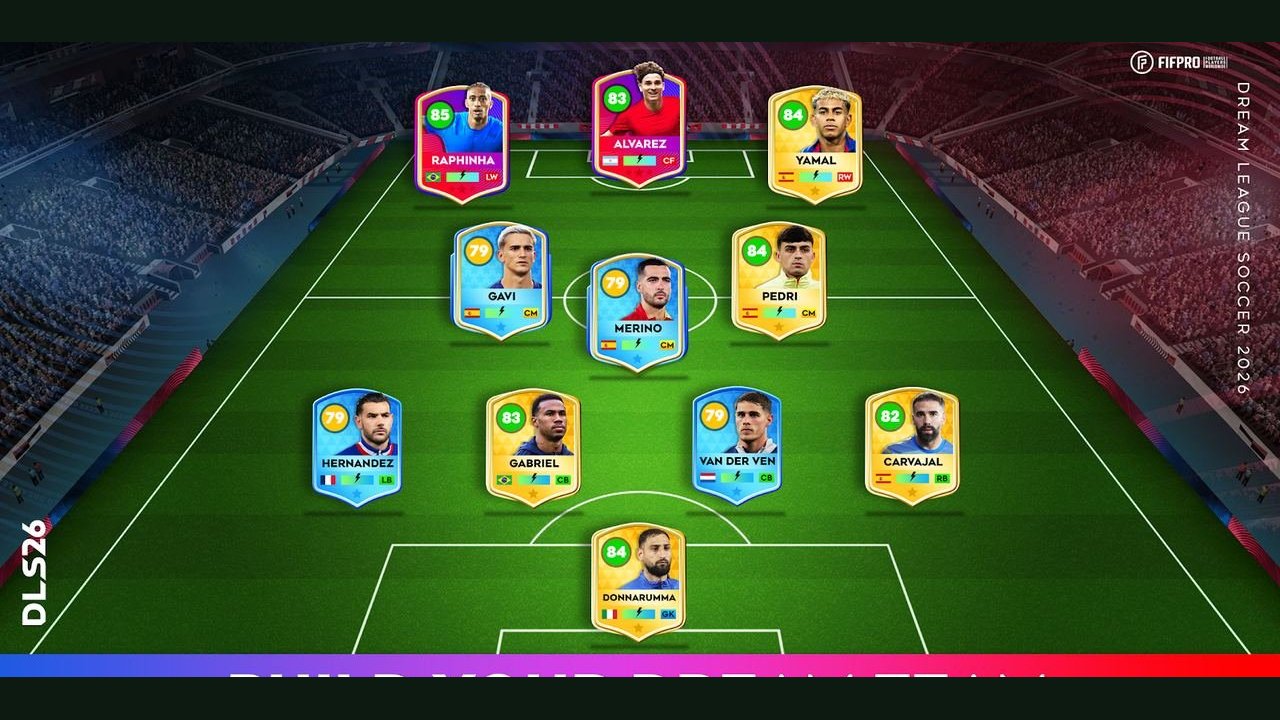
Pick whatever side the client gives you. The store names two players in its pitch line, Raphinha and Julián Alvarez, inside a pool of 4,000-plus FIFPRO-licensed players. If one of them is on your card, fine. If not, kick off anyway. Do not wait for a rating the listing never printed. Do not assign either name a role. The first match does not need one.
The attacking touches, in order
Start running without the ball. Tap empty space. That is knock ahead. The tutorial calls it the most used skill. The condition is the run without the ball. If you already have it at your feet, get moving first, then tap the open grass in front of you. One tap. Watch the ball. If nothing happens, you tapped a player instead of empty space. Tap the grass.
When you are on the ball and you want the skill the tutorial calls important in DLS 26, swipe right and left. That is the stepover. Right, then left. If you swipe only one way, you did half of it. If the swipe goes up, you did the rainbow instead. Reset and swipe across.
Rainbow is its own touch. Swipe up. Do it once on purpose so your finger knows the direction. Then stop. It is not a replacement for the stepover. Roulette is the other direction. Swipe down. Once, on purpose. Then stop. Up is rainbow. Down is roulette. Across, right then left, is the stepover. Empty-space tap while you run without the ball is knock ahead.
Use them as a chain, not as a pile. Run without the ball, tap empty space. On the ball, swipe right and left if you want the stepover. Swipe up once if you want to feel rainbow. Swipe down once if you want to feel roulette. Then go back to the tap. The tutorial ranks knock ahead as the most used skill. Let the match show that. The fancy swipes are visits, not a home.
When they have it, and when the ball is up
They win the ball. Stop the swipes. Hold the screen and control another player. That is secondary press. Two defend together. The condition is their possession. If you hold after you have already won it back, you are past the condition. Release.
You have the ball and you want it close. Hold the empty screen and control the player. That is close control. Empty screen, same place as the knock-ahead tap, but a hold instead of a tap. If the ball punches away, you tapped. Hold.
The ball leaves the ground. Only then, double-tap. That is the skill shot. The tutorial says opponents often take the ball before a normal shot, and a double-tap shoots. It does not print a bar reading. Do not invent one in the middle of your first match. If the ball is still on the grass, the double-tap is not this move. Wait for the air.
That is the whole match. Knock ahead. Stepover. Rainbow. Roulette. Secondary press. Close control. Skill shot. Seven touches, each with the condition the tutorial actually gave. If you feel the urge to add a shape, a role, or a rating, put the phone down for a second. Those are not in this chain.
The chain in one look
| Order | Move | Touch |
|---|---|---|
| 1 | Knock ahead | Tap empty space while your player runs without the ball |
| 2 | Stepover | Swipe right and left |
| 3 | Rainbow | Swipe up |
| 4 | Roulette | Swipe down |
| 5 | Secondary press | Hold the screen when they have the ball, and control another player |
| 6 | Close control | Hold the empty screen and control the player |
| 7 | Skill shot | Double-tap only when the ball is in the air |
Run the table top to bottom once, even if the score looks silly. The point is that each touch happened on purpose. Then play the rest of the half with knock ahead as the default, the stepover when you want that skill, the holds when the job changes, and the double-tap only in the air.
Checked 10 November 2026 against that player tutorial, on version 13.430. If a touch does nothing, the usual cause is the condition, not a missing button. Knock ahead needs a run without the ball. Secondary press needs them to have it. The skill shot needs the ball in the air. Fix the condition before you hunt a new gesture.
After the whistle
You do not need a result. You need the seven touches to have happened on purpose. If knock ahead never fired, you were tapping a player, or you already had the ball. Read the condition and play another kickoff. If the stepover came out as a flick, you swiped up. Across, right then left, is the stepover.
The pair of grass moves, written out as their own drill, is on knock ahead and the stepover. The two holds are on defending. The air double-tap, with the warning about a normal shot, is on skill shot. The wider layout is on touch controls. If the build feels old before you even kick off, update the app you have.