Ads and random-item buys
The game is free. The listing says so, and then it qualifies it. It contains ads. In-app purchases can be random items. Those three lines are the money page. I will not print a tier list, because the store text we captured does not contain one. No pack names. No amounts. If a site fills that gap with a menu of costs, it is not copying the listing.
You are on Dream League Soccer 2026, version 13.430. There is no official 2027 product with a different buy screen. The listing opened on 15 January 2020 and is still that app. Google Play shows 14 September 2026. The App Store date on 13.430 is 16 September 2026. Checked 10 November 2026. The money lines below are from that capture, not from a guess about a later season.
Free, with ads on the listing
Free means the install itself. Open Google Play or the App Store and get the existing app. Do not pay a stranger for a file. The update path is the shop. A file that promises "no ads, all cards unlocked" is not the free app the stores describe.
Contains ads means ads are part of the listing, not a rumour. Play says the app contains ads. Expect them in the free build. The listing does not say how often, and it does not name a network on the summary we used. I will not invent a count. An ad on a website is not the same thing as an ad in the match. This page is about the game's listing, not about the pages you are reading.
If ads bother you, the honest move is still the official app. A repack that claims to strip them is a different file. It does not inherit the shop account. Purchases you made, if you made any, sit with that account. Hopping to a loose file to dodge ads is how a squad disappears. Update inside the shop instead.
Random-item purchases
The App Store header says the app includes random-item purchases. Play says there are in-app purchases. Random-item means some things you pay for are a draw, not a listed player you chose by name. The store text does not say which products are random and which are fixed. It does not name a scout, a kit, or a facility as the random one. I will not assign the flag to a product the text did not name.
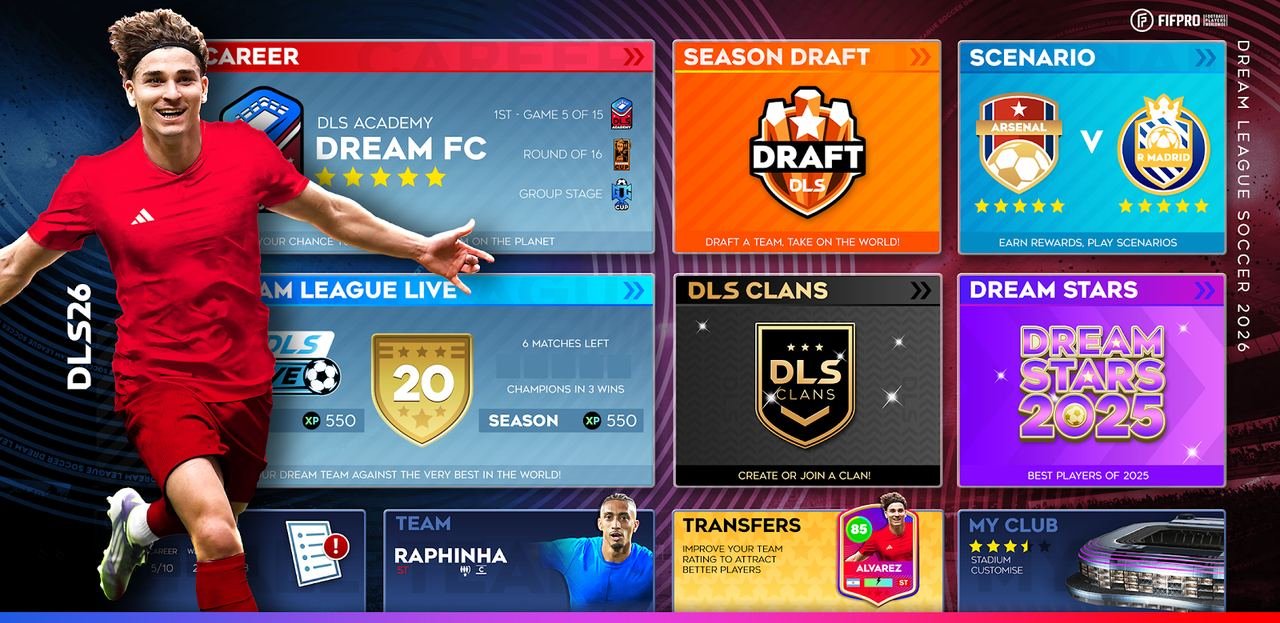
Raphinha and Julián Alvarez are the only player names on the listing, inside a pool of 4,000-plus FIFPRO-licensed players. That sentence is a roster line, not a shop menu. Do not treat those two names as items with a printed amount. The listing does not give one.
If the client shows a buy button, read the label in the client. Only call a buy random if the client says so, or if it is the class of purchase the App Store already flagged. A guide that prints gem counts is not reading this capture. Close it.
The Apple path, quoted
The store text gives one path for turning purchases off, and it is the Apple path. Quote it. Do not paraphrase it into a different menu.
Settings/Screen Time/Content & Privacy Restrictions
That is the path. On an iPhone, follow those words in that order. Settings. Screen Time. Content & Privacy Restrictions. The listing printed that path so a shared phone can block buys. Use it if you need it. It is a device path, not a secret menu inside the match.
The captured text does not print a matching toggle path for Android. I will not invent one. Play says purchases exist. It does not walk you through the Android settings app. Use the device's own purchase controls there, the ones your phone already has, rather than a sequence this page would be making up. If you cannot find them, the phone maker's help is the place to look, not a football guide.
Ads are not the same switch. The path above is about purchases. The listing does not say that path removes ads. Do not expect the ads to vanish because you followed the purchase path. They are separate lines on the listing.
The listing lines in one look
| Line on the listing | Wording we captured | What to do with it |
|---|---|---|
| Install | Free | Get it from Play or the App Store |
| Ads | Contains ads | They are part of the free listing |
| Purchases | Random-item in-app purchases | The text does not print a tier list |
| Apple limit | Settings/Screen Time/Content & Privacy Restrictions | Use this path on iPhone. Do not invent an Android path. |
Read the table before you trust a cost chart. Four lines. No amounts. No pack sizes. If a video adds a fifth line with a number, that number is not from this capture.
The App Store file is 269,641,728 bytes if you still need to update. Clear that room, then tap update on the app you have. A repack is not a discount. It is a different file. The game also needs a connection. A buy screen that will not load is often the radio, not a missing tier.
Where the money lines go next
What the Play safety card actually names, including the types it counts but does not spell, is on data and connection. The tap-update path, and the reason to skip an APK, is on how to update. The live store snapshot is on what you play today.
Short questions that do not fit a single drill are on the FAQ. The money page stays this narrow. Free. Ads. Random-item purchases. One Apple path, quoted. Nothing else invented.